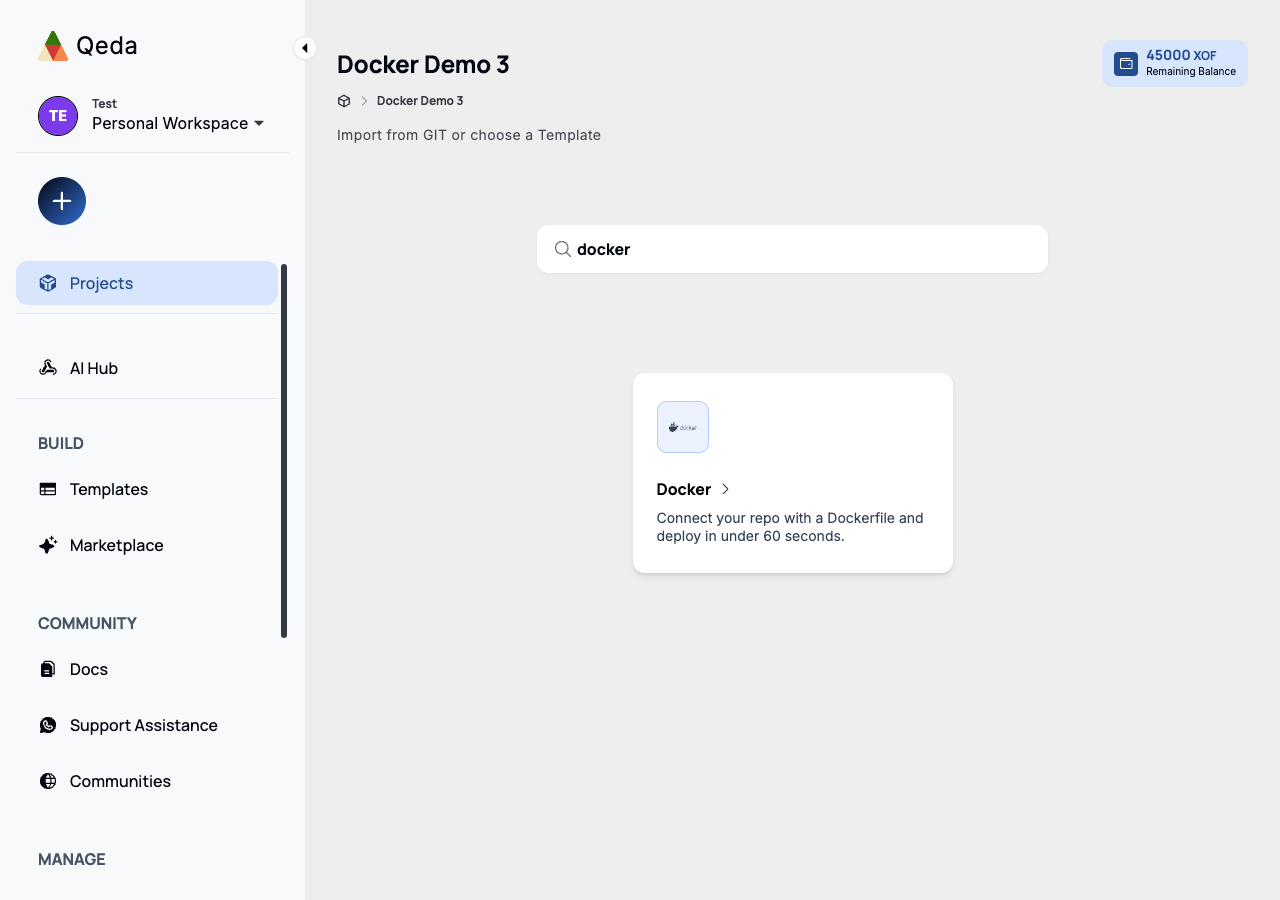
If what you're deploying is already a built image rather than a repository to build from, the Docker card in the launcher (search for "docker") skips repo selection, stack detection, and the whole build step entirely.
The deploy form
One field: the image reference, in any form a registry accepts — a bare name and tag (nginx:alpine), a namespaced one (user/app:v2), or a fully-qualified one on a non-Docker-Hub registry (ghcr.io/owner/app:tag). The port field defaults to 80, matching the most common convention, but should match whatever the image's own server actually listens on.
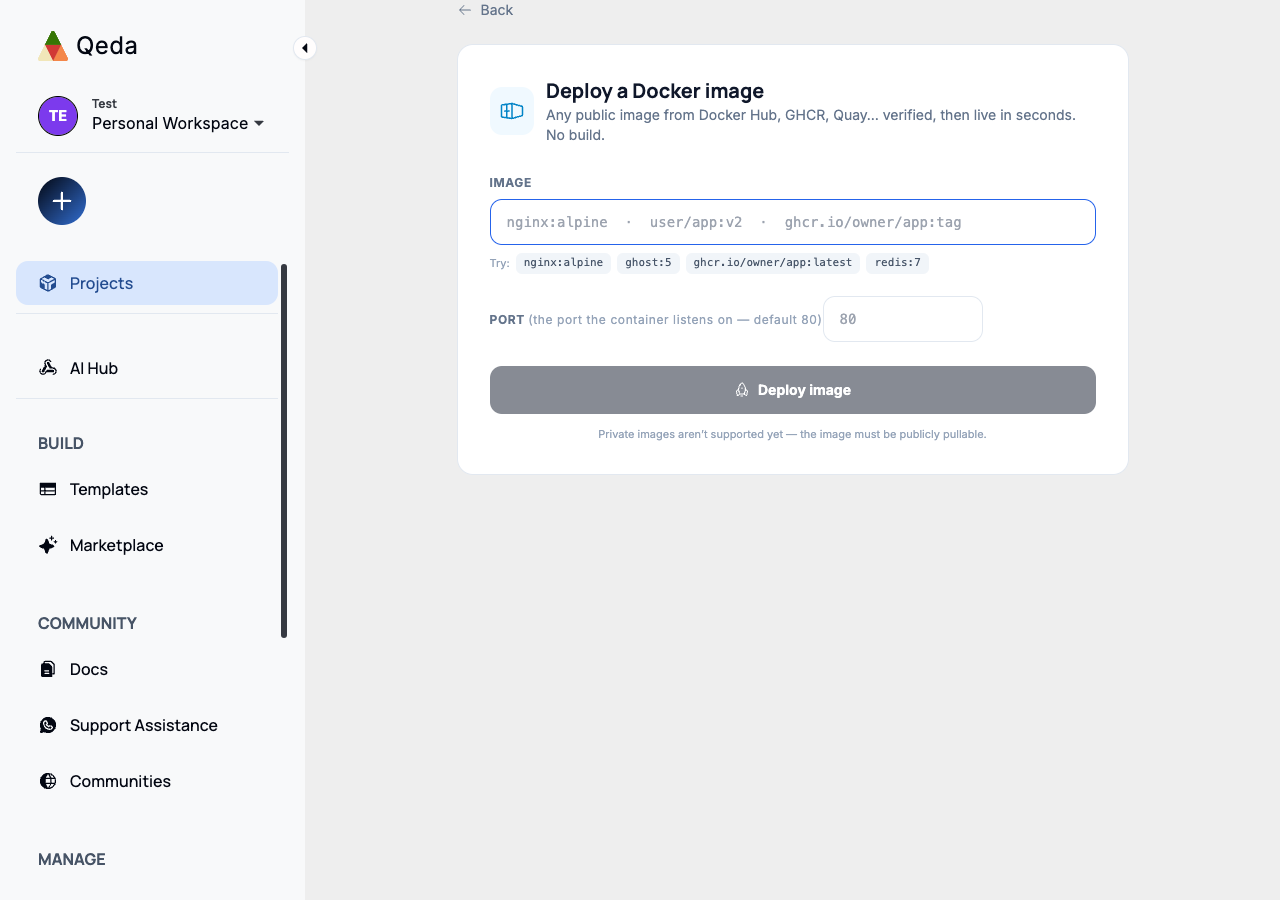
Warning. Private images aren't supported yet — the image must be publicly pullable. A private one on Docker Hub or GHCR needs a public tag, or a Git-based deploy of the Dockerfile that builds it instead.
Verifying & deploying
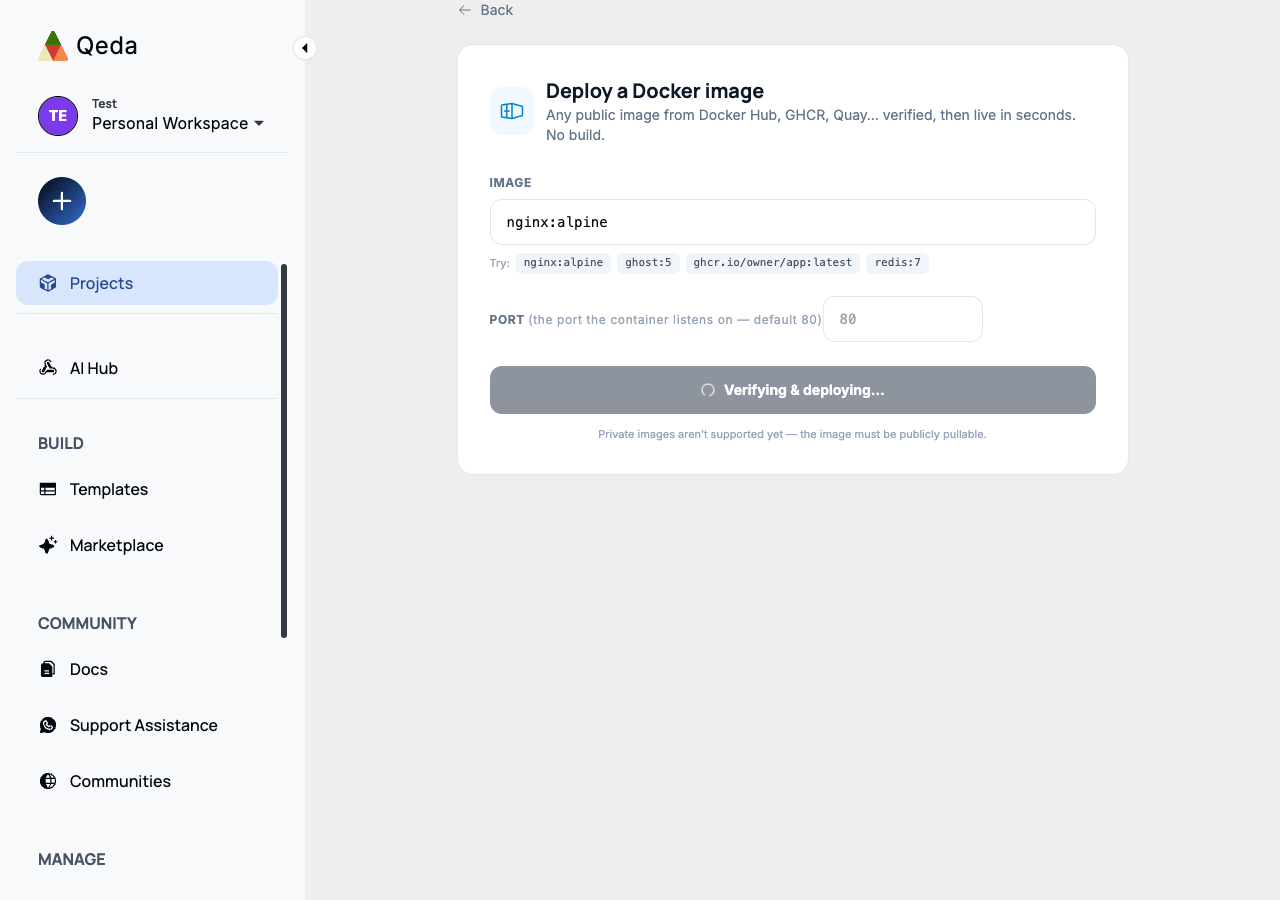
Clicking "Deploy image" first verifies the reference actually resolves to something pullable, then provisions the service — there's no build stage to watch, since nothing gets compiled.
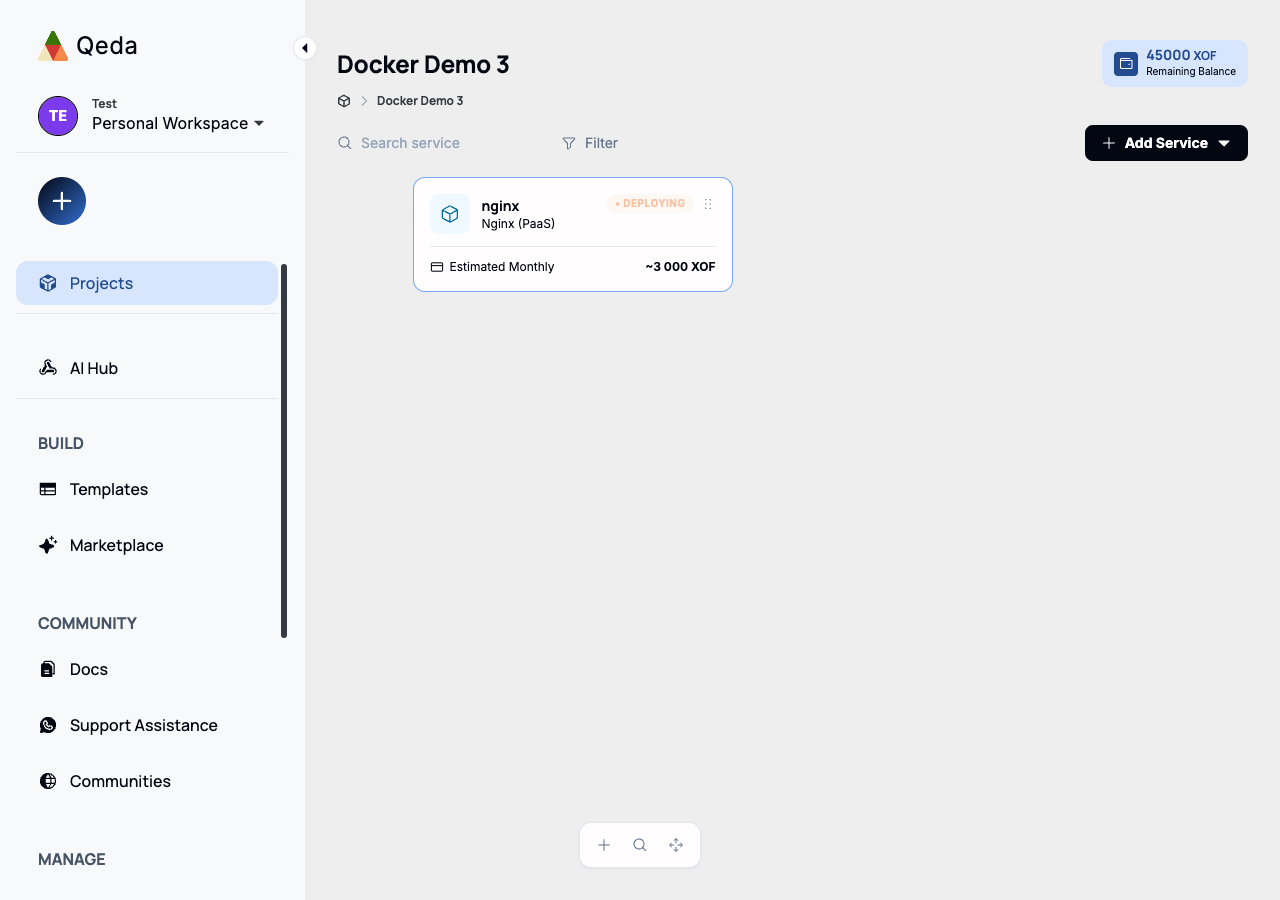
The new service lands on the project canvas immediately, named after the image and labeled with whatever runtime Qeda recognized it as (Nginx, Redis, etc. get their own icon; anything else falls back to a generic one).