
Deploying from GitHub (covered in "Deploying from a Git repository") needs a one-time connection first. This article is about that connection itself — what it grants, how to extend or check it, and how to recover when it expires — not the deploy flow that sits on top of it.
How the connection works
Connecting installs the Qeda GitHub App on your account or an organization — not a personal access token, and not an SSH key. The connection is workspace-wide: connect once, and every project in that workspace can deploy from any repository the app has been granted.
Granting repo access
Which repositories Qeda can see is decided on GitHub's side, not Qeda's — during install you either grant "All repositories" or hand-pick specific ones. If a repo you need isn't showing up in the picker later, it's because the app was never granted access to it.
To add more, open the account/organization switcher above the repo list and choose "Add account or repositories…" — it reopens GitHub's own installation settings, where existing grants can be extended without redoing the connection or losing access to repos already granted.
When the connection expires
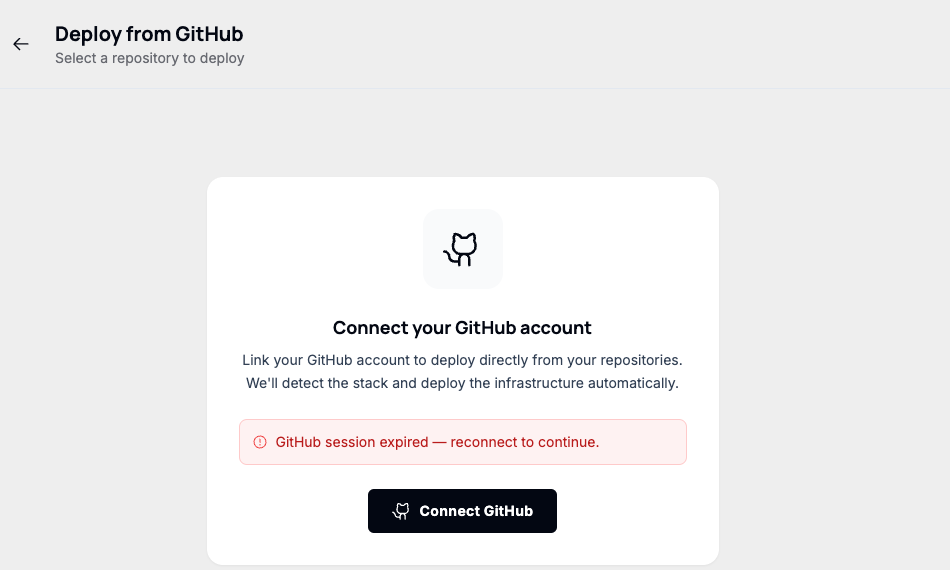
GitHub sessions can expire or get revoked — the app was uninstalled, an org admin changed its access, or the token simply timed out. Qeda surfaces this plainly instead of failing silently: the repo picker is replaced with a reconnect prompt.
Note. To fully revoke Qeda's access instead of reconnecting, uninstall the app from GitHub itself (Settings → Applications → Installed GitHub Apps) — there's no equivalent "disconnect" button on the Qeda side, since the grant lives on GitHub's side.