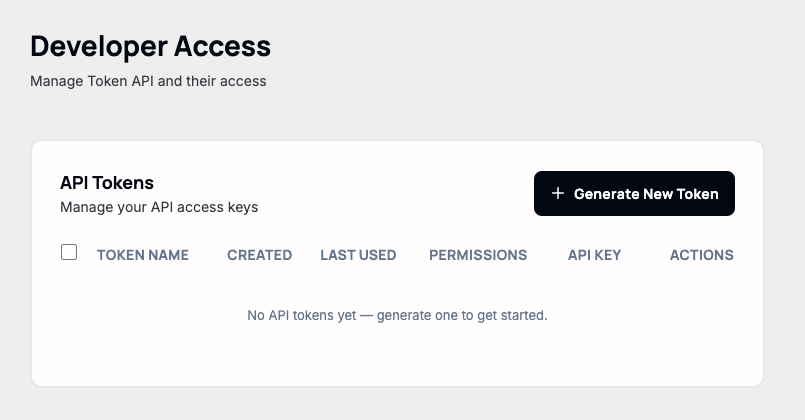
Settings → Developer Access is for tokens that authenticate against the Qeda platform API — managing projects and deployments programmatically. That's a different token from AI Hub's API Keys (covered in Secure your App), which only call the AI API; the two aren't interchangeable.
Generating a token
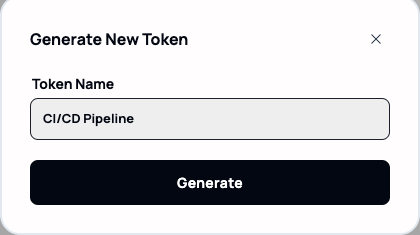
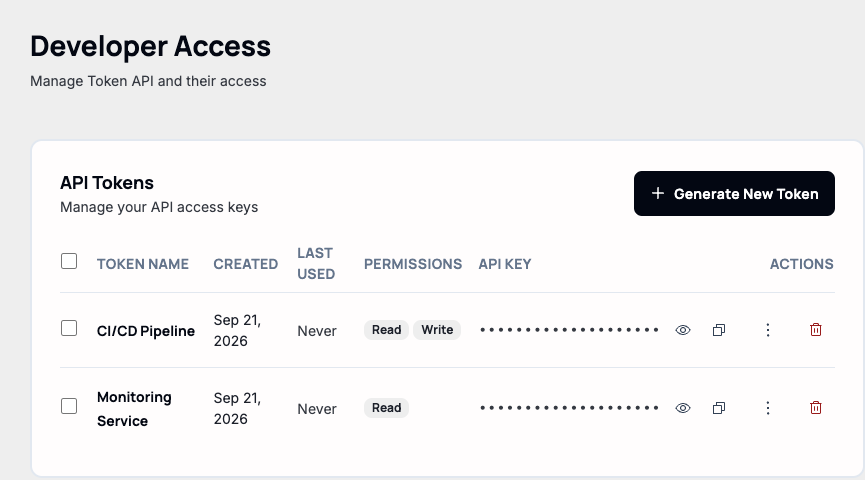
Generation only asks for a name. A new token starts with Read-only access — Write has to be turned on afterward, not chosen at creation.
Scoping with Read/Write
"Manage Rights," from a token's kebab menu, is the only way to add Write access after the fact — two checkboxes, nothing more granular than that (no per-project or per-endpoint scoping yet).
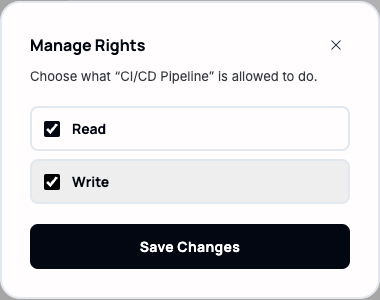
Note. There's no platform API for these tokens to authenticate against yet — generating one produces a real-looking key with no backend behind it. The scoping model here (Read vs. Write, revoke anytime) is what will apply once that API ships, so treat a Write token the same way you'd treat a password once it does: scope it down, and revoke it (trash icon) the moment it's no longer in use.