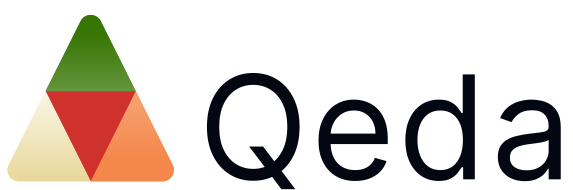
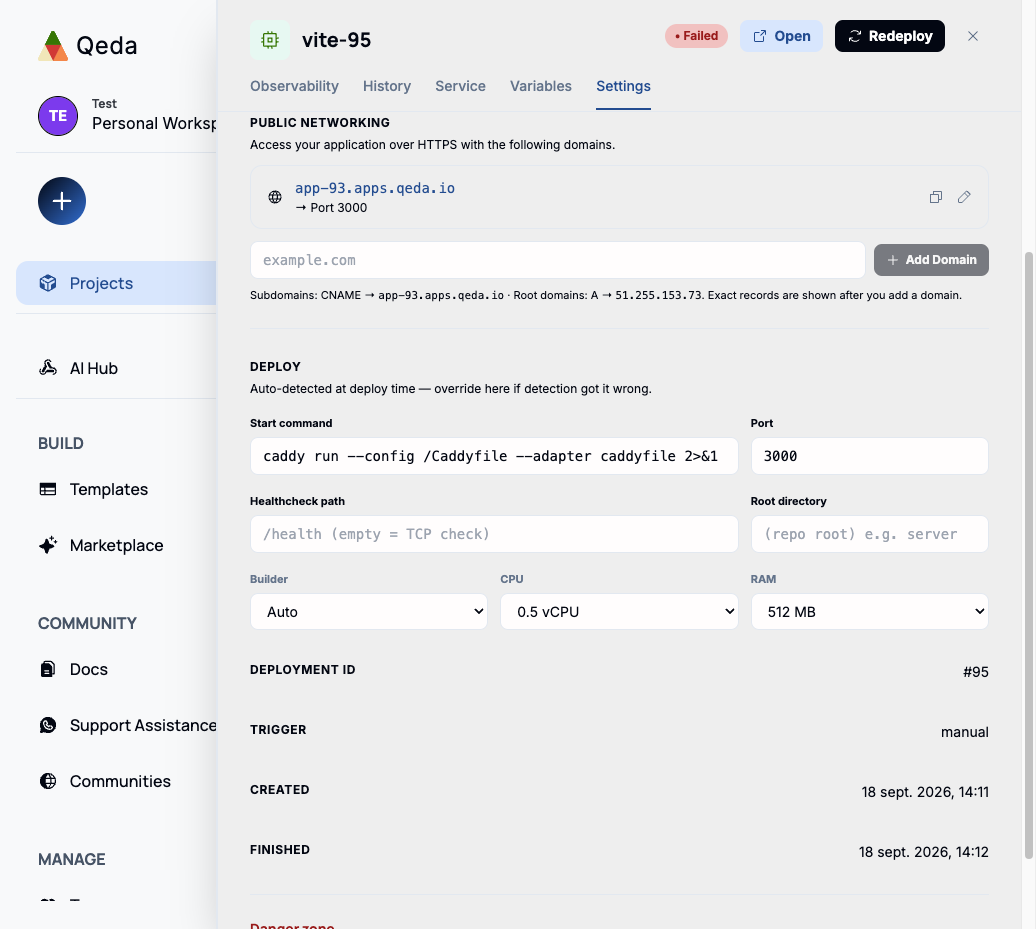
Networking lives in a service's Settings tab, under Public Networking. It's the same place whether you're using the domain Qeda gave you or bringing your own — HTTPS is handled automatically either way, no separate certificate step.
The default domain
Every service is reachable the moment it deploys, at a generated subdomain — app-<project id>.apps.qeda.io, routed to whichever port the service listens on. The pencil icon next to it lets you rename the subdomain slug itself; the copy icon is there for pasting the URL elsewhere.
Adding a custom domain
Type your domain into the field and click "Add Domain." Qeda immediately shows the exact DNS record to create at your registrar — a CNAME for a subdomain (e.g. app.yourcompany.com), or an A record for a root/apex domain (e.g. yourcompany.com), since CNAME records aren't allowed at the root of a domain by the DNS spec.
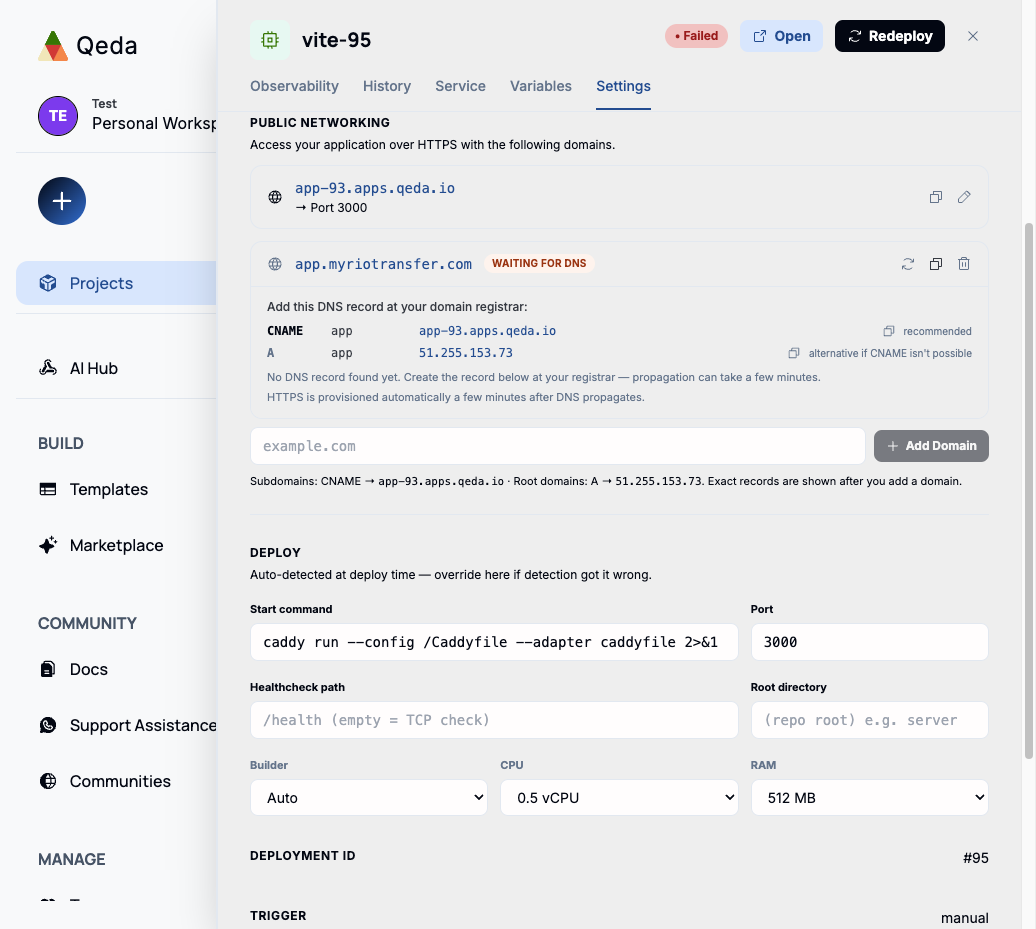
Note. Propagation can take anywhere from a few minutes to a few hours depending on your registrar and your existing DNS TTL. The refresh icon on the domain re-checks it on demand instead of waiting for the next automatic poll.
Automatic HTTPS
Once the DNS record resolves, the domain's status flips from "Waiting for DNS" to verified, and a TLS certificate is provisioned automatically a few minutes later — nothing to request, upload, or renew by hand. Removing a domain (the trash icon on its row) only unlinks it from this service; it doesn't touch the DNS record itself, which stays wherever you created it at your registrar.