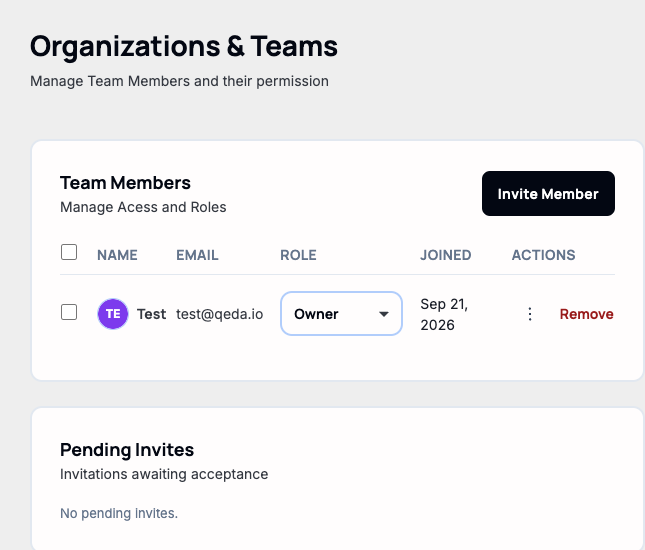
This is a different member list than the one on a workspace's own card (covered in "Creating and switching between workspaces"): Settings → Organisation & Teams manages the single account-wide team, while a workspace has its own members underneath it. For a solo account, both currently just show you.
Roles
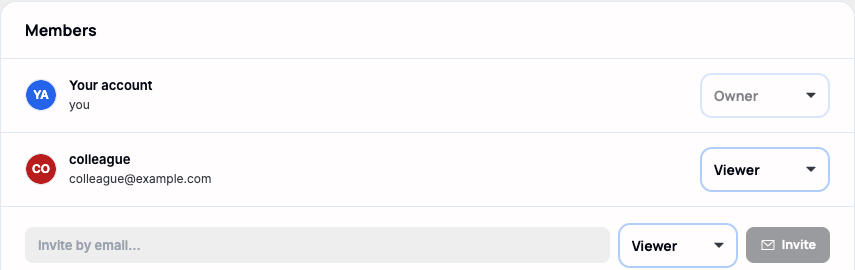
There are four, ranked in order — each one includes everything the tier below it can do:
- Owner — full control, including billing and deleting the workspace.
- Admin — manage members and settings, plus everything an Editor can do.
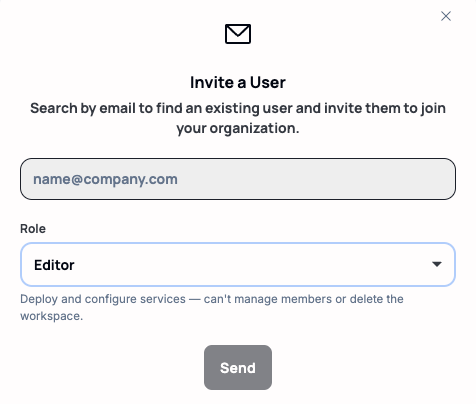
- Editor — deploy and configure services; can't manage members or delete the workspace.
- Viewer — read-only: can see projects, logs, and metrics but can't change anything.
Whoever created the workspace starts as Owner. A role can only ever grant another member a role at or below its own — an Admin can hand out Admin/Editor/Viewer but never Owner — and the workspace's last remaining Owner can't be demoted or removed, so there's always someone who can get back into everything.
Inviting someone
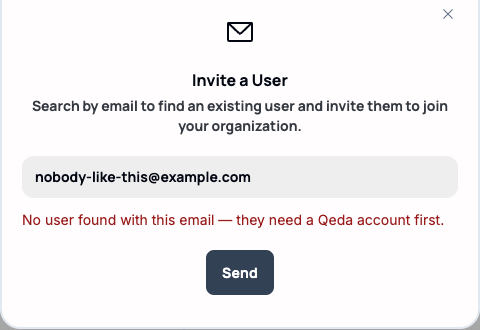
"Invite Member" only searches for an existing Qeda account by email — it doesn't send a signup link to a stranger. Someone who hasn't created an account yet has to do that first, then can be invited.
Once an account is found, the invite picks up a Role field too — defaulting to Editor, with a one-line description of what that tier can actually do underneath it.
Note. A successful invite lands in "Pending Invites" below the member table until it's accepted, and can be revoked from there before that happens.
Removing a member
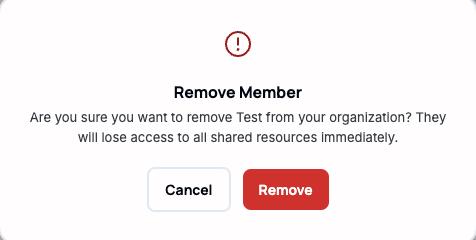
"Remove," at the end of a member's row, asks for confirmation before doing anything — accepting it takes their access away immediately, with no undo. The same last-Owner protection applies here: that row's Remove is disabled rather than letting the organization end up without one.